Personal Portfolio Website with Admin Panel
A full-stack portfolio with a private admin panel, role-specific landing pages, a live pixel-art office of my AI team, and an AI office chat, built with Next.js, TypeScript, Supabase and the Gemini API.
Overview
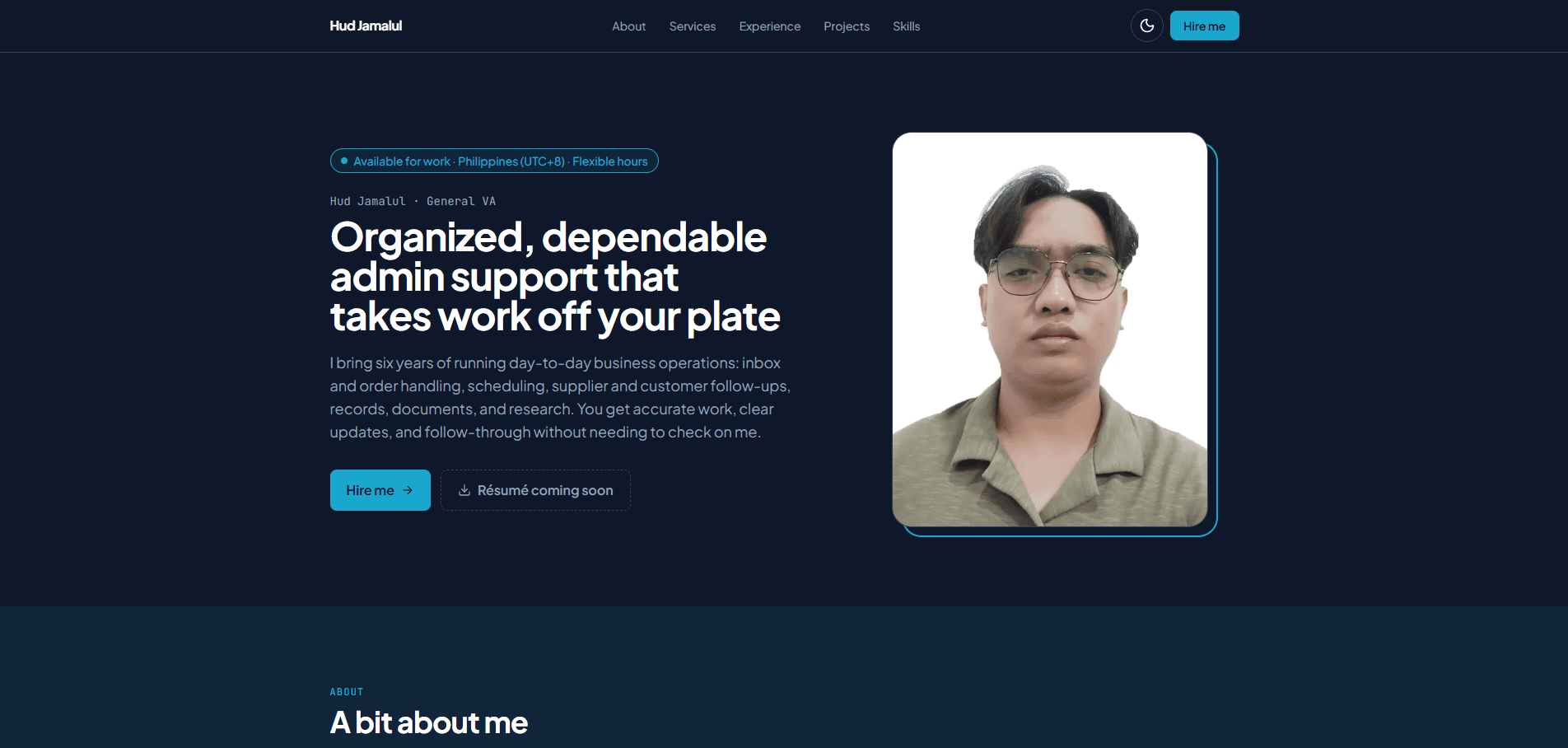
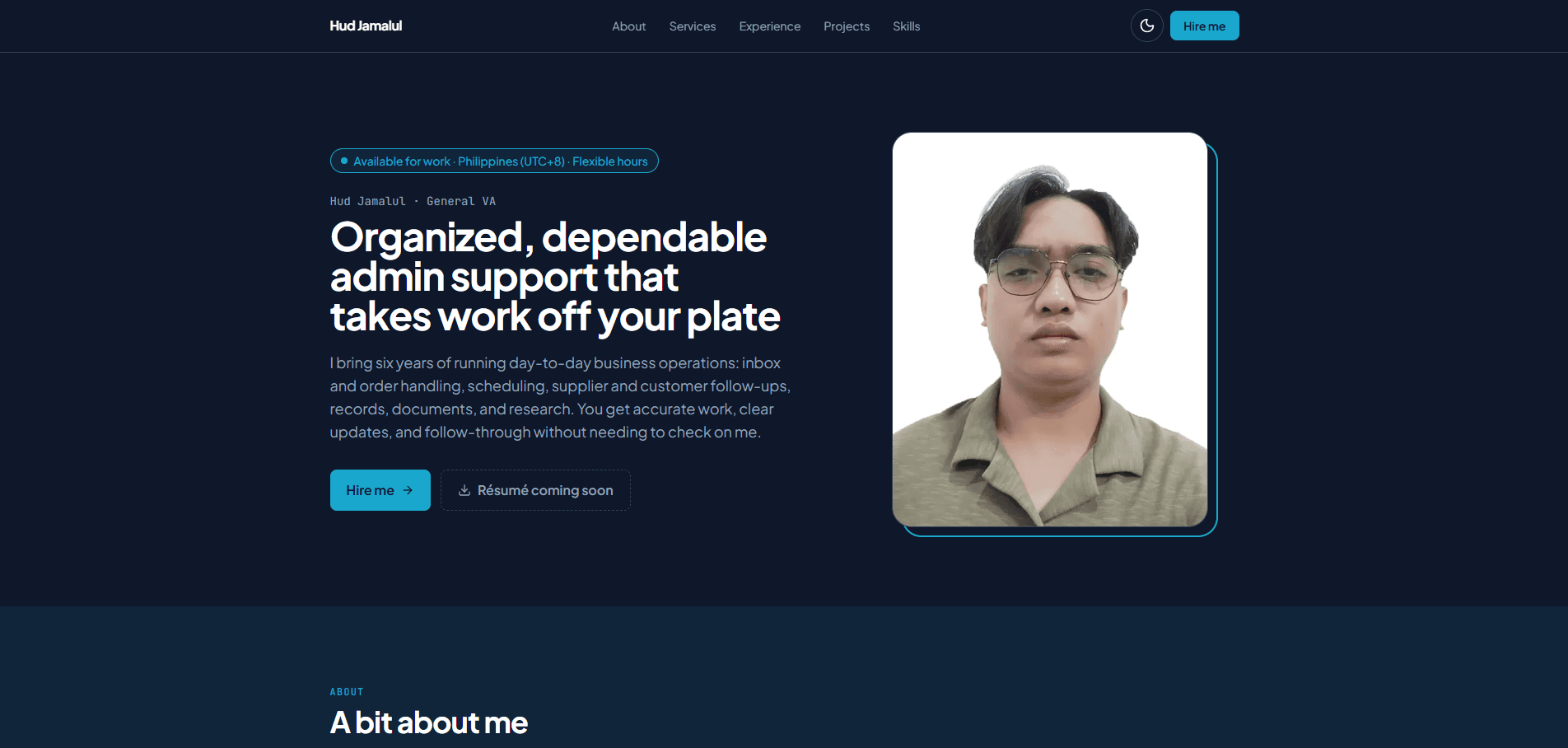
My personal portfolio, built from scratch as a full-stack web application. Instead of one generic page, it has a separate landing page for each kind of role I apply for (General VA, Technical VA, Customer Support, Data Annotation, and Computer Engineer). Each page has its own headline, pitch, featured services, section order, and downloadable résumé, so every client sees what's most relevant to them.
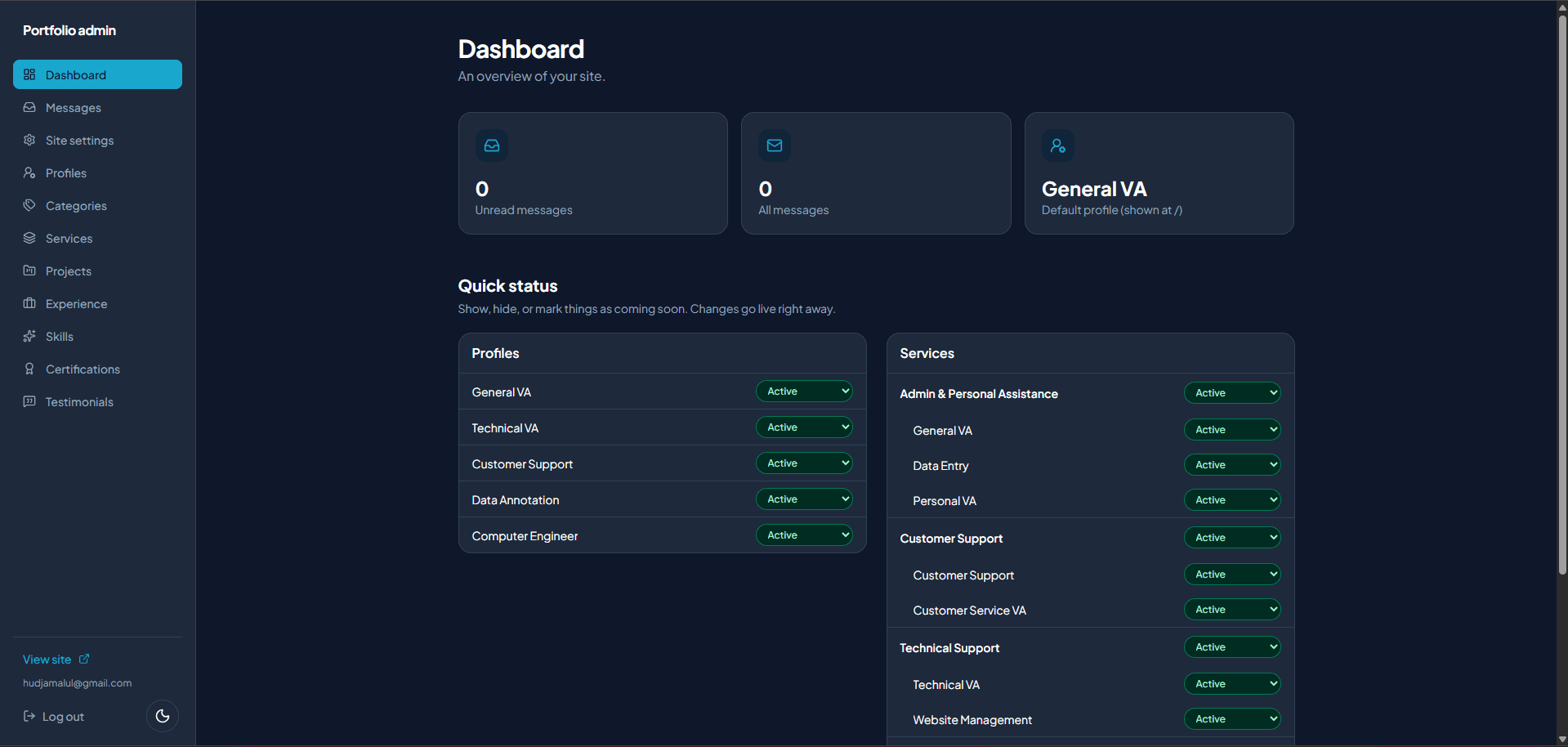
Everything on the site is managed through a private admin panel, so content can be updated in seconds without touching code.
Key features
- Role-specific landing pages: each focus profile has its own URL (e.g. /for/technical-va) and controls which services, projects, experience, skills, and certifications appear, and in what order
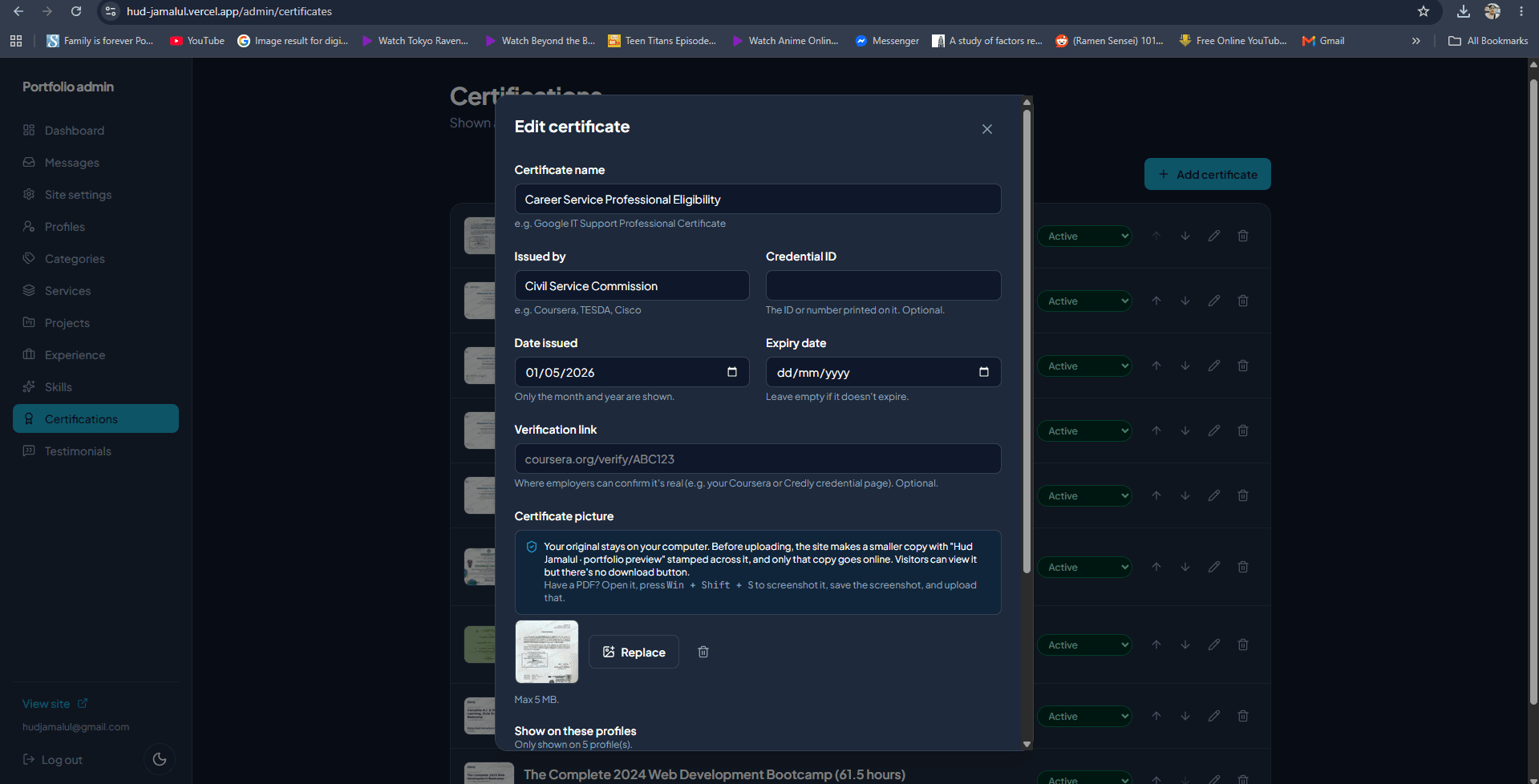
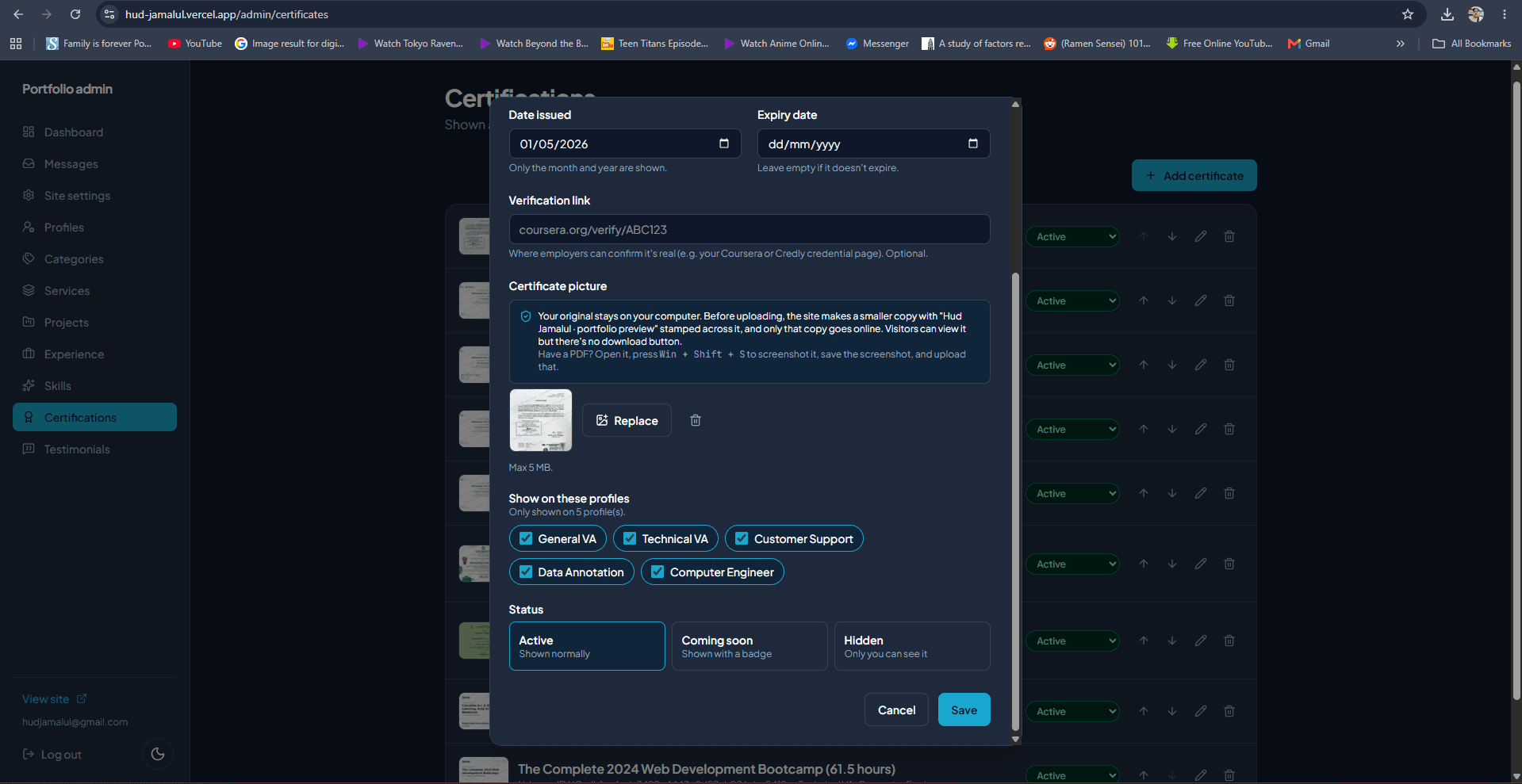
- Admin panel: create, edit, reorder, and delete all content; set items to Active, Coming soon, or Hidden; upload photos, résumés, and project images
- Secure contact form: validation in the browser and on the server, a hidden spam trap, and rate limiting enforced by the database; messages arrive in an admin inbox showing which profile page each visitor came from
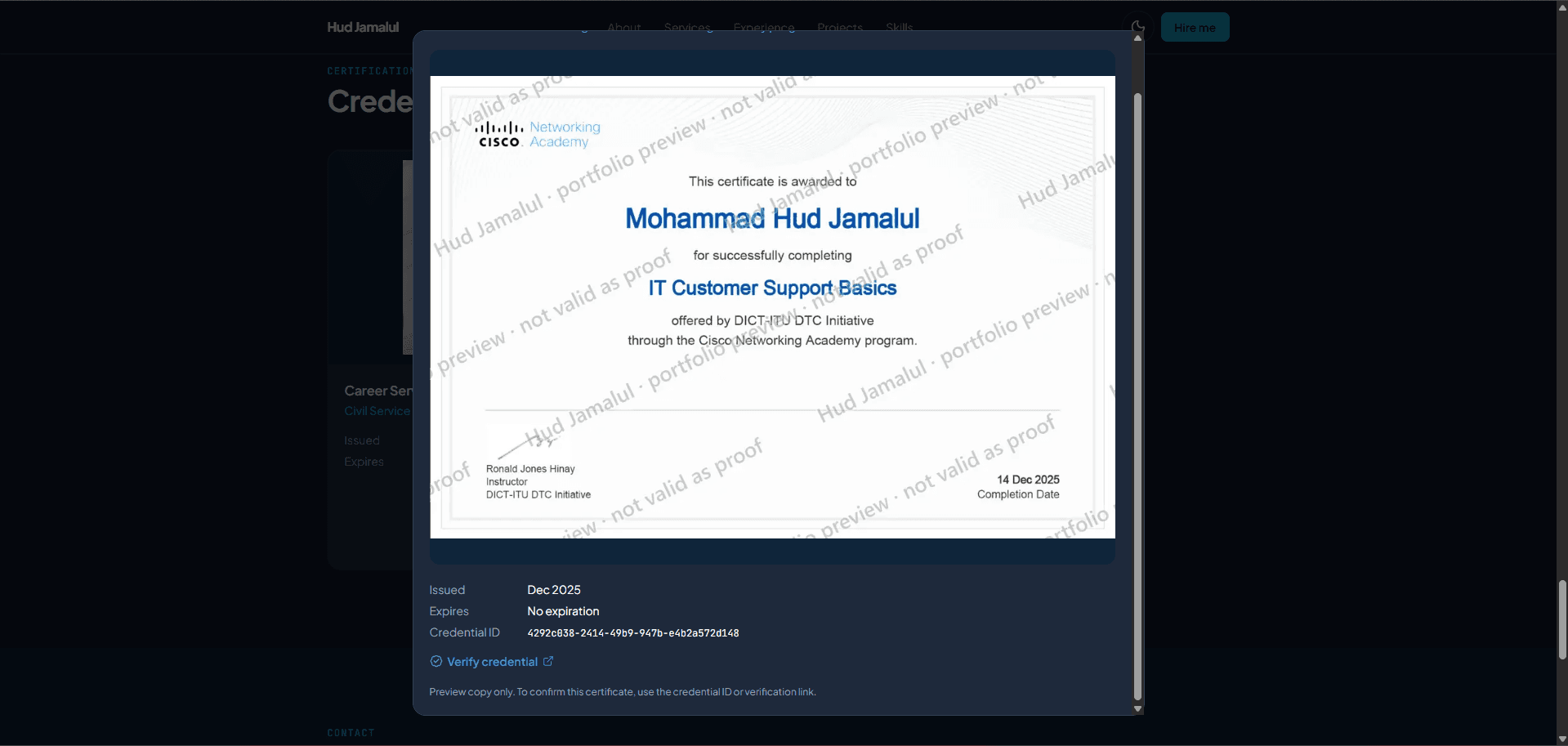
- View-only certificates: certificate images are shrunk and watermarked in the browser before upload, so the original file never leaves my computer
- Instant updates: content is cached for speed and refreshed the moment I save a change in the admin
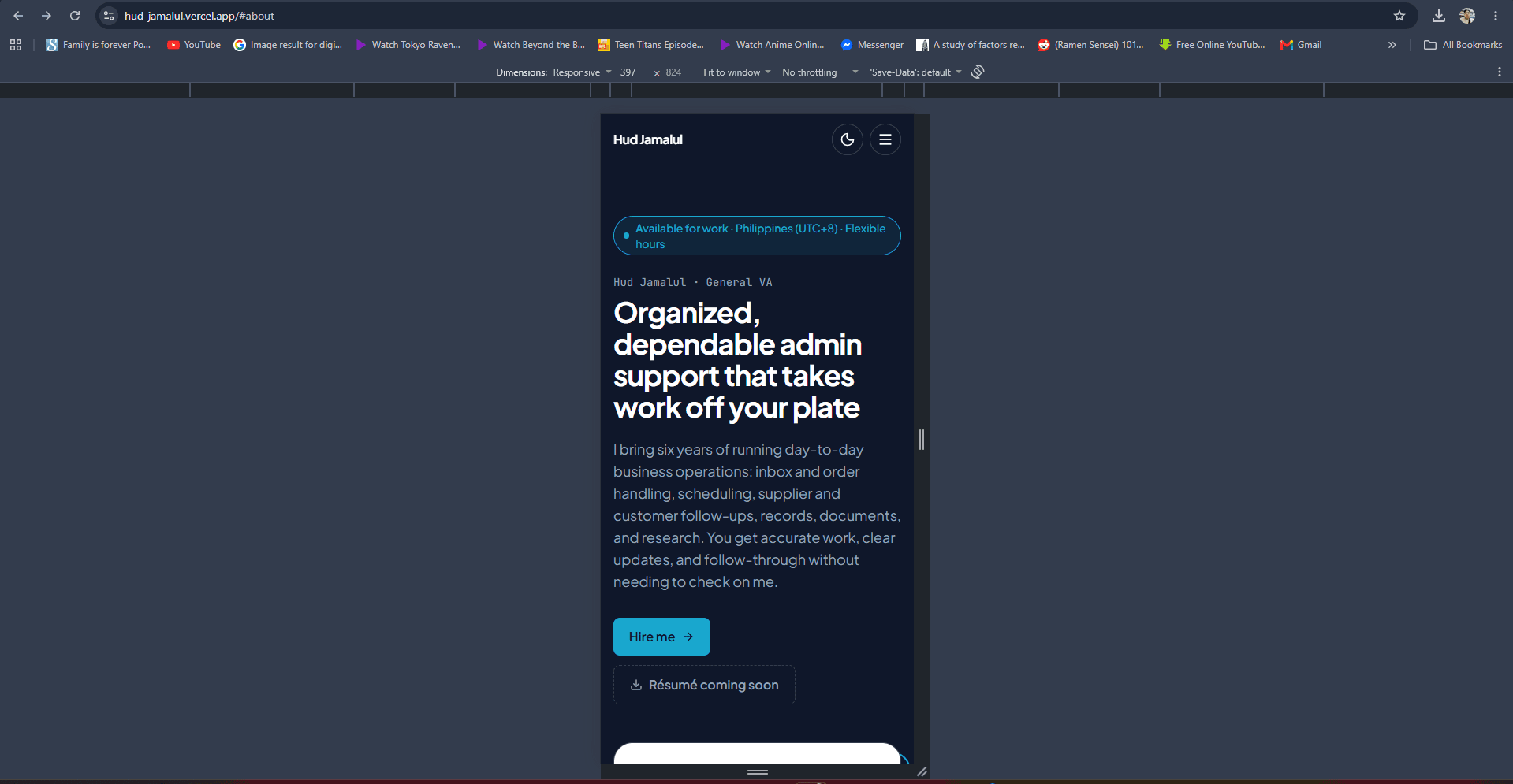
- Light and dark mode, responsive on phones, tablets, and desktops, with animations that respect reduced-motion settings
- Search-engine ready: per-page titles and descriptions, auto-generated link-preview images for social sharing, sitemap, and robots.txt
AI Team office
- Live pixel-art office: my 8 real automations appear as characters that work at their desks, take breaks, pass work to each other and wait for my review, driven by their real status from Google Sheets (Apps Script). Day and night follow my shift
- AI office chat: visitors can chat with Tina (the AI receptionist) and each teammate. Built on the Gemini API with the key kept on the server, per-visitor and daily limits, prompt-injection guards, sensitive-data masking, and a 30-day conversation log; Tina saves leads straight to the admin inbox
- Admin dashboards: Team Health (is every automation running?), Outreach (sent, replies, bounces, pipeline) and Chat (settings, usage, conversations)
Security
- Admin access is limited to a single account, checked at three layers: request routing, every server action, and the database itself
- PostgreSQL Row Level Security: visitors can only read published content and submit messages; only the admin can change data
- Public sign-ups are disabled, secrets are kept out of the code repository, and uploads are restricted by file type and size
Quality
- Google Lighthouse: 100 Performance on desktop (90+ on phones) · 100 Accessibility · 100 Best Practices · 100 SEO
- All text and background color pairs meet WCAG AA contrast in both light and dark mode
- Strict TypeScript, ESLint, and Prettier on every change
Tech stack
- Frontend: Next.js 16 (App Router, React Server Components), React 19, TypeScript, Tailwind CSS v4
- Backend: Next.js Server Actions, Supabase (PostgreSQL, Authentication, Storage)
- AI: the Gemini API for the office chat (server-side only), Google Apps Script and Google Sheets for the AI team's automations and live status
- Hosting: Vercel, with automatic deployment from GitHub on every push
My role
I planned the features and data model, designed the interface, and built, tested, and deployed the whole site. I used AI-assisted development (Claude Code) to move faster, and reviewed and tested each part myself, including the database security rules and the live deployment.